
About
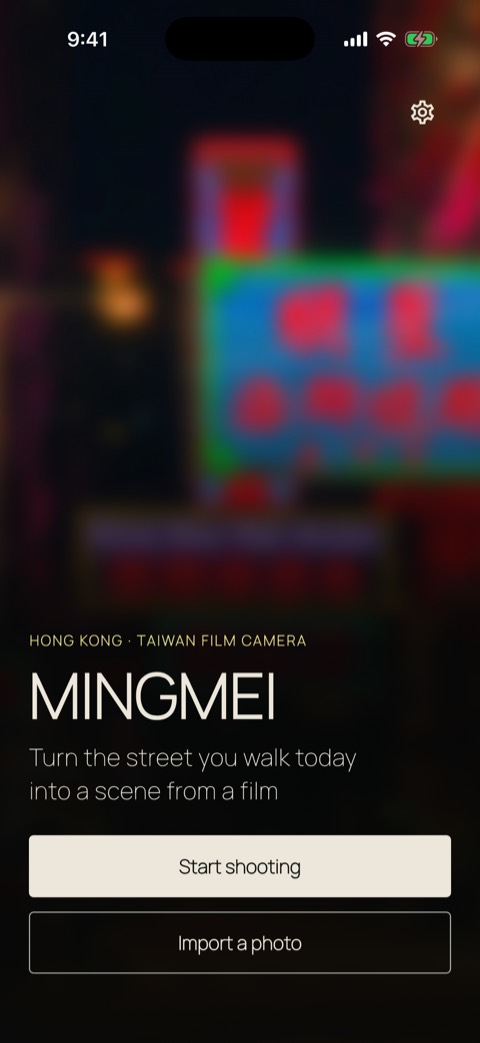
MINGMEI turns the street you walk today into a scene from a film. Point the back camera at neon signs, a quiet lane or the last light of the day, and pick a color.
✨ Four film colors
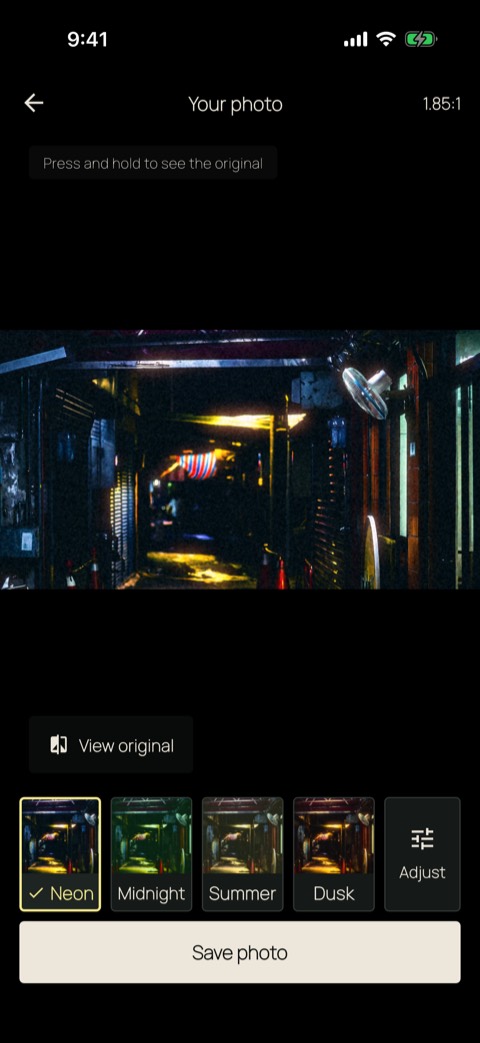
- Neon — Hong Kong nights. Teal shadows and a red glow around the lights.
- Midnight — Late fluorescent light. Pale green, with only the reds kept.
- Summer — A Taiwan lane at noon. Soft contrast and deep greens.
- Dusk — Dusk in Taiwan. Amber light and blue shadows.
- See the color live in the viewfinder. Each look card shows your own photo in that look.
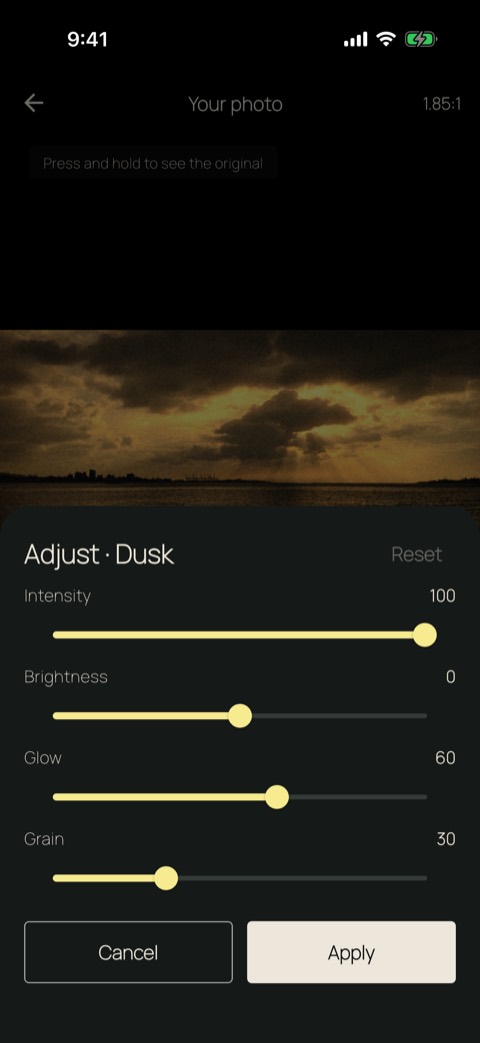
- Adjust intensity, brightness, glow and grain. Press and hold the photo to compare with the original.
📷 Made for the back camera
- Opens on the back camera with the flash off, so street lights stay as they are.
- Tap to focus, set the exposure, and zoom at .5, 1 and 2 where your lens allows.
- Crop to 1.85:1, 2.39:1 or 16:9, even with the phone held upright, or keep the original frame.
- You can also import a photo from your library. The camera is only requested when you tap "Start shooting".
💾 Saved as a new picture
- Your result is saved to your photo library as a new picture. The original is never changed.
- Turn on "Keep original" to also keep the unedited capture.
- Share the saved picture to any app from the "Saved" screen.
🔒 Private by design
- Photos are processed only on your device and are never uploaded.
- No account, no sign-in.
- Looks change color, light and grain only. They do not reshape faces or add makeup.
- A small banner ad appears only below the "Saved" screen, never while you shoot or edit. No in-app purchases.
- Optional usage analytics are off until you agree; when on, only which features you use is sent to Google Analytics, never photos.
밍메이 – 홍콩 영화 필름 카메라
홍콩의 밤부터 대만의 여름까지, 영화 색감 4가지로 거리를 찍어요.
밍메이는 오늘 걷는 거리를 영화의 한 장면으로 남겨요. 후면 카메라로 네온 간판, 조용한 골목, 해 질 무렵의 빛을 비추고 색을 고르세요.
✨ 영화 색감 4가지
- 네온 — 홍콩 밤거리. 청록 그림자에 붉은 빛번짐
- 한밤 — 심야 형광등. 창백한 초록에 붉은색만 남겨요
- 한여름 — 대만 한낮 골목. 부드러운 대비와 깊은 초록
- 노을 — 대만 해질녘. 앰버 빛과 푸른 그림자
- 뷰파인더에서 색을 바로 보고, 룩 카드마다 내 사진에 입힌 미리보기로 비교해요.
- 강도, 밝기, 빛 번짐, 입자를 조절하고, 사진을 길게 누르면 원본과 비교할 수 있어요.
📷 후면 카메라를 위해
- 후면 카메라로 시작하고 플래시는 꺼 둬요. 거리의 빛을 그대로 담아요.
- 눌러서 초점을 맞추고, 노출을 조절하고, 렌즈가 지원하면 .5·1·2배 줌을 써요.
- 세로로 들고 찍어도 1.85:1, 2.39:1, 16:9로 잘라요. 원본 비율도 그대로 쓸 수 있어요.
- 사진 보관함에서 가져올 수도 있어요. 카메라 권한은 "촬영 시작"을 누를 때만 요청해요.
💾 새 사진으로 저장
- 결과는 사진 보관함에 새 사진으로 저장되고, 원본은 그대로예요.
- "원본도 보관"을 켜면 편집 전 촬영본도 함께 남겨요.
- "저장했어요" 화면에서 원하는 앱으로 공유할 수 있어요.
🔒 기기 안에서만
- 사진은 기기 안에서만 처리하고 서버로 보내지 않아요.
- 계정도 로그인도 없어요.
- 룩은 색과 빛, 입자만 바꿔요. 얼굴 모양을 바꾸거나 화장을 합성하지 않아요.
- 광고는 "저장했어요" 화면 아래 작은 배너뿐이고, 촬영·편집 중에는 나오지 않아요. 인앱 구매는 없어요.
- 이용 분석은 동의할 때만 켜지고, 어떤 기능을 쓰는지만 Google 애널리틱스로 보내요. 사진은 보내지 않아요.